
 Offline guide
 Checked for Patch 1.0.11
Cooking and Profit Planning
A repeatable, save-safe workflow for Cooking and Profit Planning on the current build.
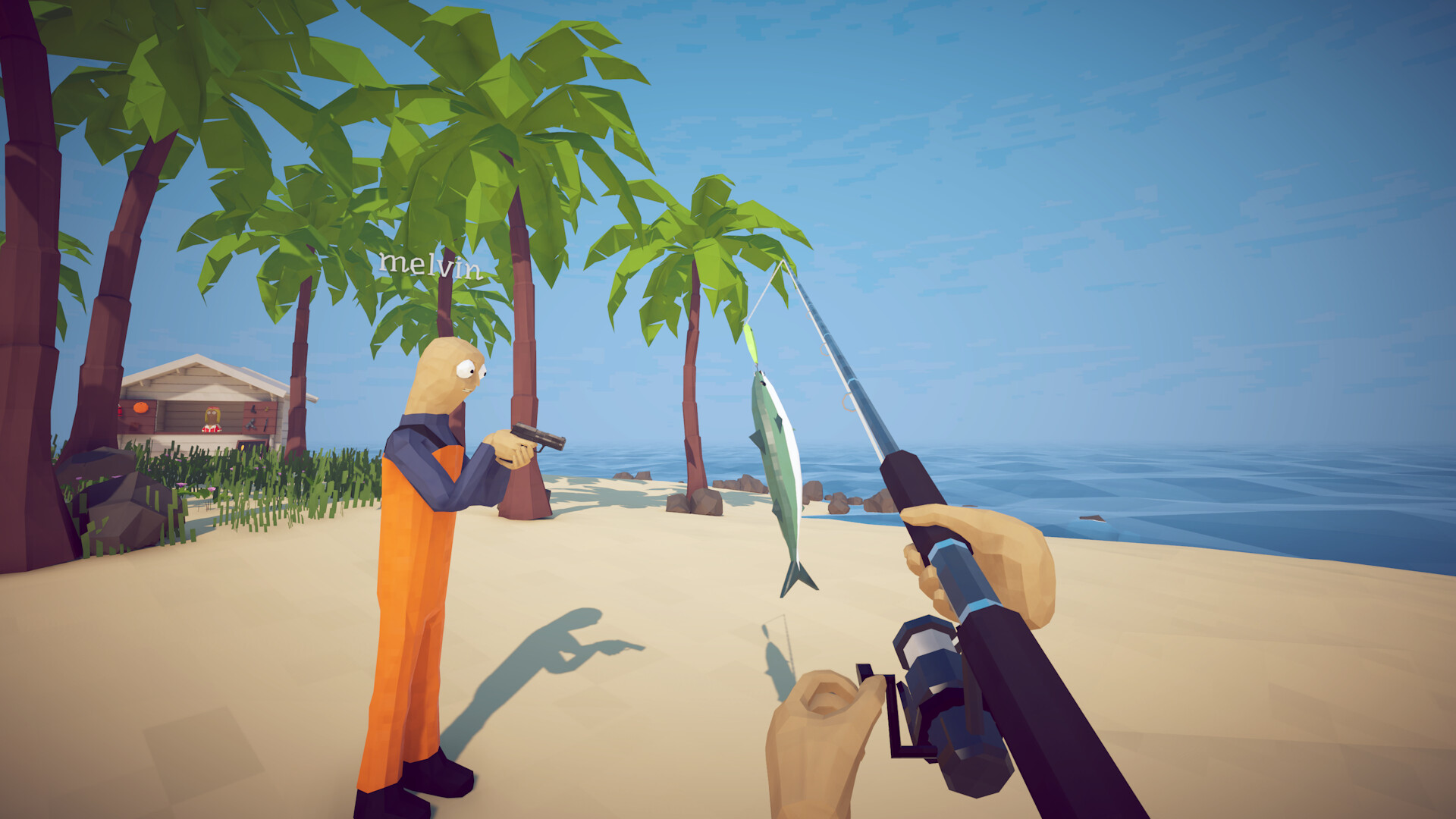
Separate cooking into three jobs: sale-value timing, healing preparation and deliberate burnt-food achievements. Mixing them is how valuable catches are ruined.
Patch-sensitiveCurrent guides disagree on exact prices, spawn odds, health and hidden formulas. This page uses verified route conditions and labels strategy as strategy.
02Before you start
System guides should be repeatable and measurable. Change one variable, record the visible result and protect the save and all quest objects before trying another cycle. Cooking and Profit Planning.
- Confirm the game reports Patch 1.0.11 or newer. Restart Steam after an update so multiplayer, save validation and the current interaction rules are actually active.
- Write down the last NPC hand-in, current Radar marker and any key already owned. This gives you a recovery point if the next action fails to advance the route.
- Move unique bait, boss remains, rare variants and active quest catches away from the ordinary sell, cook and roulette pile. Most irreversible mistakes begin with mixed storage.
- Inspect health, hunger, loaded ammunition and inventory space. Keep at least one free slot for a distinctive body or trophy and another when the step awards a key or tool.
- Decide the success signal before starting. A new marker, removed quest object, achievement notification or accepted hand-in is stronger proof than assuming the action counted.
03Action plan
- 01
Complete the Grill activation chain and place all quest objects outside the cooking area.
Why this matters. This is the dependency check for the whole route. Performing it first prevents later symptoms from being mistaken for a broken spawn or a damaged save. Complete the Grill activation chain and place all quest objects outside the cooking area.
How to verify it. Compare the inventory, Radar and active dialogue before and after the action. At least one of them should change in a way that matches the guide's stated success signal. Sale batch removed before burning · healing separated · challenge items verified independently
Common mistake to avoid. Do not jump ahead because a video shows coordinates. Patch 1.0.5 closed old locked-island travel routes, and missing prerequisites still block current progression.
- 02
Put one ordinary sale catch on the Grill and keep its inspection panel visible.
Why this matters. This step activates or preserves the state the game expects. Doing the visible action without the required state can look correct while producing no progression flag. Put one ordinary sale catch on the Grill and keep its inspection panel visible.
How to verify it. Wait for the interaction to finish and inspect the requested object. If it is still present with no reward or marker change, the task probably did not register. Sale batch removed before burning · healing separated · challenge items verified independently
Common mistake to avoid. Do not sell, cook, cut, gamble or abandon an item mentioned by the active objective. Keep it intact until a recipient has accepted it.
- 03
Remove the catch when the displayed value reaches its observed peak; community testing often reports 1.5×, not an official formula.
Why this matters. This is the resource gate. Preparing it before the attempt prevents a single-use trigger from being consumed while health, ammunition or inventory is still unsuitable. Remove the catch when the displayed value reaches its observed peak; community testing often reports 1.5×, not an official formula.
How to verify it. Check that the exact rod, lure, body or weapon is equipped—not merely owned—and confirm there is room to receive the result before committing. Sale batch removed before burning · healing separated · challenge items verified independently
Common mistake to avoid. Do not spend a single-purpose bait while still shopping or reorganizing. Finish preparation first and cast only when the arena is ready.
- 04
Prepare healing items in a separate batch so they are not accidentally sold.
Why this matters. This is the execution window. Treat positioning and reliable uptime as the objective instead of chasing maximum damage or copying an exact stat from an older build. Prepare healing items in a separate batch so they are not accidentally sold.
How to verify it. Watch the boss escape bar, attack telegraph and safe lane. A clean repeatable window is better confirmation than surviving one chaotic exchange. Sale batch removed before burning · healing separated · challenge items verified independently
Common mistake to avoid. Do not reload into a charge, stand in a poison or landing lane, or chase minor enemies until the escape timer wins. Reset position and resume reliable damage.
- 05
For the burnt-food challenge, use one low-value renewable creature and continue until clearly burnt before eating.
Why this matters. This step converts a successful encounter into recorded progression. The physical item, its condition and the receiving NPC matter more than the fact that the enemy disappeared. For the burnt-food challenge, use one low-value renewable creature and continue until clearly burnt before eating.
How to verify it. Pick up the distinctive remains, hold them once and revisit the issuer. Confirm the item leaves your possession or the reward state appears. Sale batch removed before burning · healing separated · challenge items verified independently
Common mistake to avoid. Do not assume a kill automatically updates Radar. Search for the shell, Skeleton, Fin, Head or intact body and complete the hand-in.
- 06
For the mini-boss eating challenge, reserve a separate eligible body and verify the achievement immediately.
Why this matters. This is the exit check. It closes the loop and gives a safe point for selling, cooking, changing lobbies or moving to the next island. For the mini-boss eating challenge, reserve a separate eligible body and verify the achievement immediately.
How to verify it. Open Radar, the collection page or Steam achievements immediately. Recording the result now prevents uncertainty after more items and objectives accumulate. Sale batch removed before burning · healing separated · challenge items verified independently
Common mistake to avoid. Do not delete a save because one marker is missing. Revisit the last NPC, inspect the ground and use Patch 1.0.11 backup recovery first.
04Field notes and decision rules
Prefer visible game state over exact community numbers. Prices, hidden multipliers, health and spawn odds may change without altering the route logic.
When two current guides disagree, use the action both sources share and label the disputed detail. This is why the site avoids guaranteed coordinates and rigid ordinary-fish habitats.
In co-op, assign one player to carry unique progression objects. Duplicate movement, disconnects and simultaneous pickups make it harder to know which state the host recorded.
After a successful hand-in, use the game's normal save or menu flow. Then update the local checklist so the browser record and the game state continue to agree.
05If it does not work
- A burnt sale item should not be counted in the normal profit loop.
- Patch 1.0.10 lets cooked tools and weapons be visually cleaned in water, but it does not restore lost sale opportunity.
06Questions players ask
Can I skip this and sail directly to the next location?
Usually no. The current route depends on the preceding NPC request and hand-in; Patch 1.0.5 also removed old travel shortcuts to locked islands.
What should I do if the item or marker does not appear?
Check the exact equipped trigger, free inventory space, ground drops and the last quest NPC. Then reload the newest validated backup before considering any destructive action.
Are the exact prices, damage values and spawn rates guaranteed?
No. The guide keeps route conditions and officially documented patch behavior, but omits disputed hidden formulas and treats current community measurements as observations.
Does the checklist change my game or Steam save?
No. Checklist state is stored only in this browser. It never reads Steam, edits a save or sends game data to the site.
07Evidence and patch scope
Links are provided for verification. Strategy is summarized in our own words; exact hidden values are omitted when reports conflict.